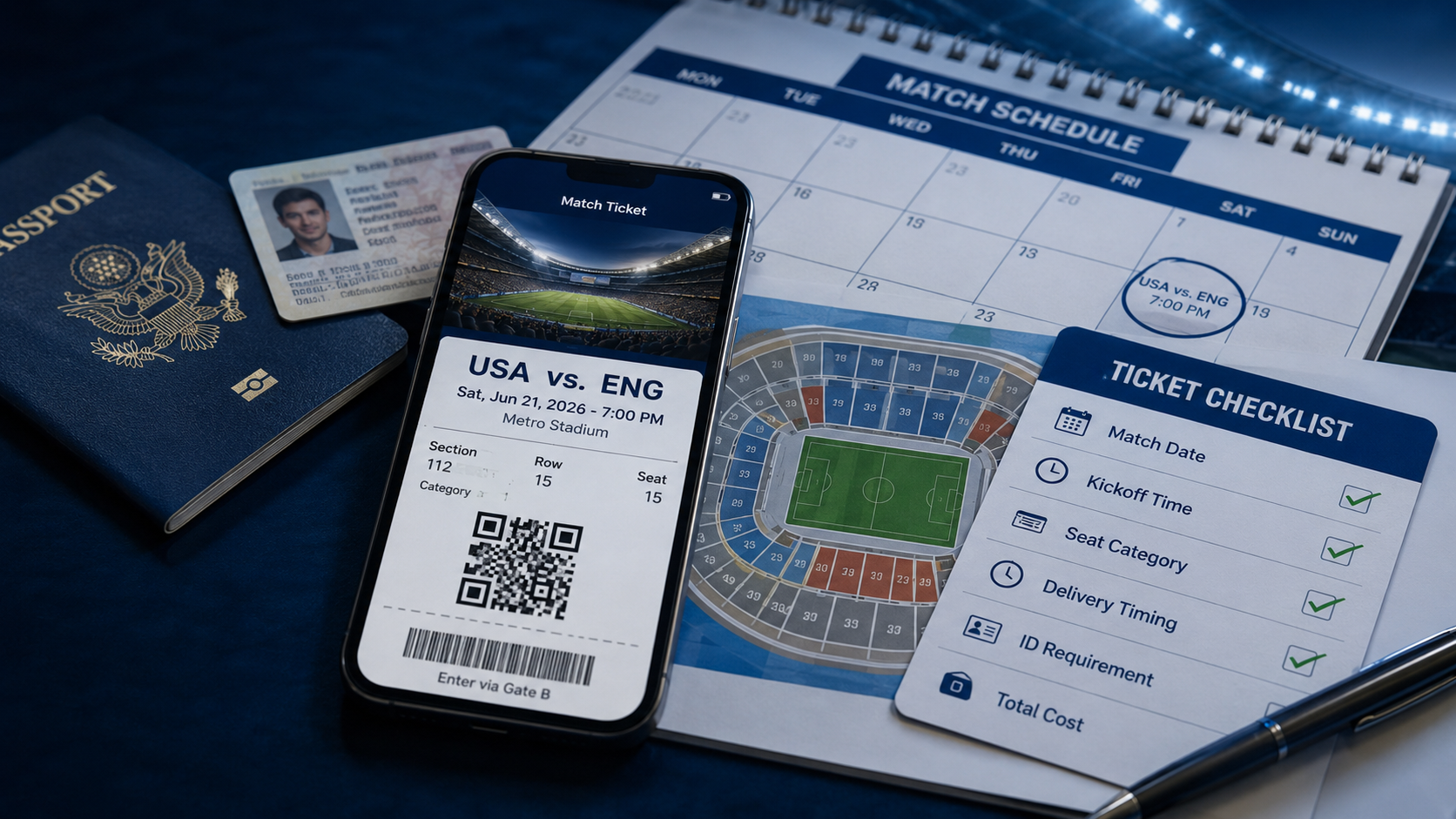
Few things match the anticipation of seeing a favorite team, artist, or performer live. Finding the right ticket, however, takes more than choosing the first listing you see. Event date, seat location, delivery method, and the final checkout total all deserve a careful look.
Ticombo is an online ticket marketplace for organizers, resellers, and fans. Its current website highlights recommended events, popular competitions, popular artists, and a dedicated World Cup Hub. This guide explains how the marketplace works, how to compare the details that matter, and how to arrive better prepared for event day.
Find Your Next Live Experience
Browse available event listings and review the full ticket details before purchasing.
Explore Tickets on TicomboOne Marketplace, Many Types of Live Events
A broad ticket marketplace can be useful when your interests go beyond a single category. You might be planning a stadium match, a major concert, a theater evening, or another in-person experience. Starting from one search destination makes it easier to compare different dates and seating options without losing sight of your priorities.
World Cup 2026: A Major Focus for Football Fans
The 2026 World Cup is the largest edition of the tournament so far, expanding to 48 teams and 104 matches. The competition runs from June 11 through July 19, 2026, creating a long calendar of group-stage fixtures and knockout matches for fans to follow.
Ticombo currently features a dedicated World Cup Hub in its main navigation. That makes the tournament a prominent part of the platform's present event discovery experience. Fans can use the marketplace to browse available World Cup listings, but inventory, seat categories, delivery methods, and prices can change by match and seller.
For a tournament of this scale, begin with the exact match rather than a broad team search. Confirm the match number, date, kickoff time, and venue shown in the listing. For knockout-stage tickets, also remember that the participating teams may depend on earlier results, so read the event description carefully before purchasing.
World Cup Ticket Checklist
- Match number, fixture stage, date, and kickoff time
- Seat category, section details, and whether seats are together
- Ticket delivery method and expected delivery timing
- Any name, identification, or mobile-ticket requirements
- The complete checkout total and applicable buyer terms

How to Compare Ticket Listings
Ticket prices often attract attention first, but the listing details determine whether an option is genuinely suitable. Before moving to checkout, compare the following:
- Event details: Confirm the performer or teams, venue, date, and start time.
- Seat information: Review the section, row, quantity, and whether seats are together.
- Ticket format: Check whether the ticket is delivered digitally or by another stated method.
- Viewing notes: Look for restricted-view, standing-area, age, or entry conditions.
- Total cost: Review the full checkout amount, including any disclosed fees, before paying.
Open a few relevant listings on Ticombo and compare them side by side. The lowest headline price is not always the best fit if another option offers clearer seat details or a more convenient delivery timeline.
Before You Complete the Purchase
Marketplace inventory and terms can vary by event and listing. Pause before payment and read the information displayed on the listing and checkout pages. Pay particular attention to delivery timing, cancellation conditions, buyer policies, and any venue-specific entry requirements.
What Ticombo Currently Says About Its Process
According to Ticombo's current “How it works” page, sellers create a listing, upload or enter ticket information, select delivery options, and wait for the listing to be approved before it goes live. Buyers search for an event, select a listing, enter their order details, and receive order and booking confirmations by email.
The same page states that Ticombo verifies sellers, uses tracked postal delivery, provides direct buyer-and-seller chat, and offers buyer coverage through its TixProtect program. These protections remain subject to the platform's current terms and the facts of each order, so read the applicable guarantee and event-page conditions rather than relying on a summary alone.
A good ticket choice is not simply the cheapest listing. It is the option whose event, seat, delivery, and total-price details you understand clearly.
Prepare for a Smoother Event Day
- Save the order confirmation and follow the stated ticket-delivery instructions.
- Check the venue's official website for bag, identification, age, and entry rules.
- Download or access the ticket according to its instructions before leaving home.
- Keep your phone charged and avoid sharing ticket barcodes or access codes publicly.
- Plan transport and arrival time with enough margin for security and entry queues.

Who May Find Ticombo Useful?
Ticombo may appeal to fans who want to browse marketplace listings for popular live events, compare different seating choices, or look beyond a venue's initial ticket release. Availability, prices, and listing terms can change, so each purchase should be evaluated on the information shown at that moment.
Final Takeaway
The best live-event memories begin with a ticket that matches your plans. Search carefully, confirm every important detail, and treat the final checkout page as your last opportunity to verify the purchase.
Ready to See What's Available?
Browse current listings, compare your options, and review all applicable terms before purchase.
Visit TicomboAffiliate disclosure: This article contains affiliate links. We may earn a commission if you make a purchase through them, at no additional cost to you. Ticket availability, prices, fees, delivery methods, and terms are determined by the marketplace and individual listing. Always review the current information before purchasing.